Select properties
Add one or many homes to a single tour. Mix saved homes and new finds without losing context.
Touring in Moea
Select properties, choose your time, decide between a Moea Partnered Agent or the listing agent, and go. Your on‑tour copilot—Daft AI—uses vision and property knowledge to assist in real time. Photos, videos, and notes are saved to your Touring Suite for instant recall.
Add one or many homes to a single tour. Mix saved homes and new finds without losing context.
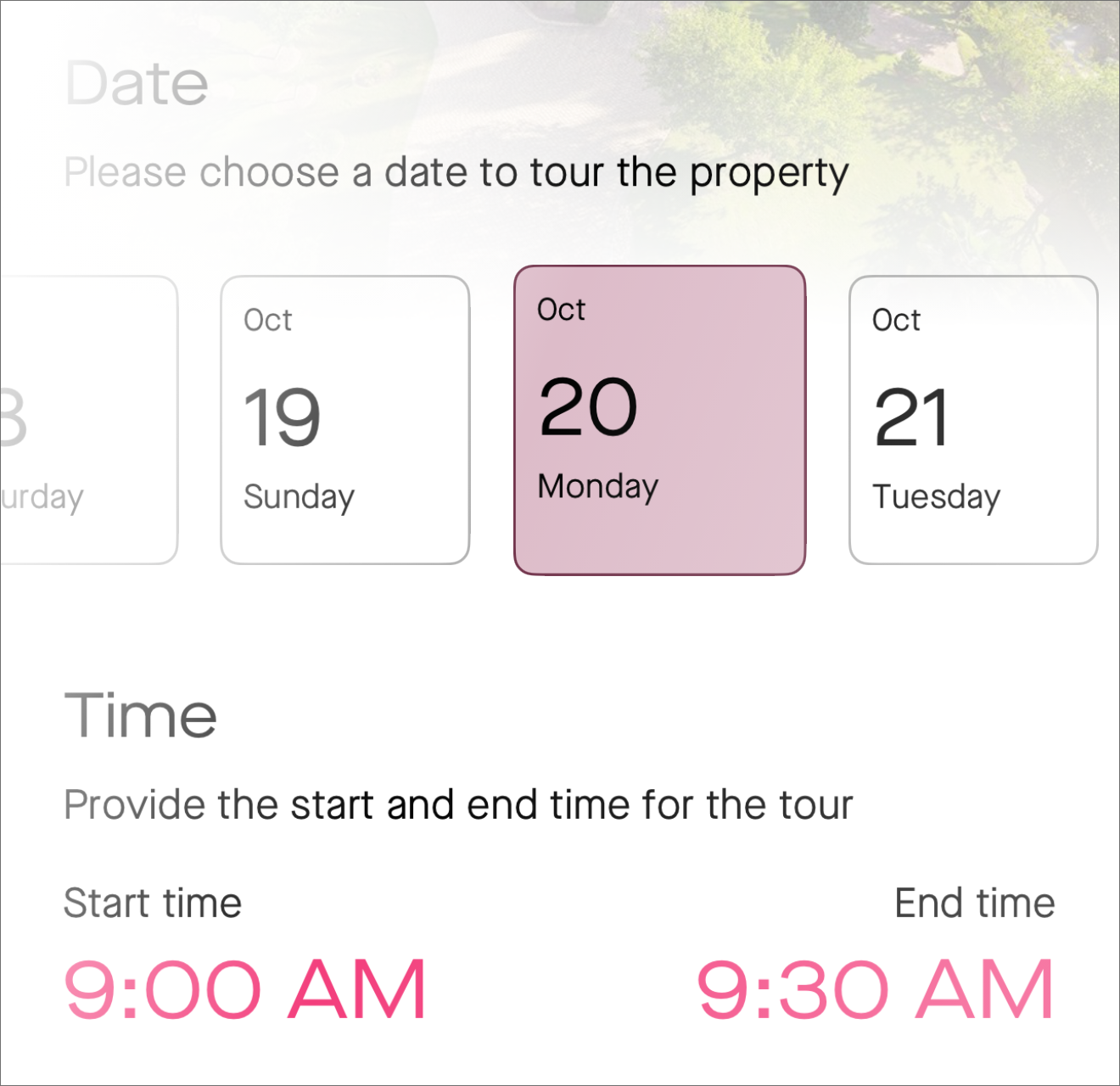
Pick windows, travel buffers, and fallback options. Moea routes the day and handles confirmations.
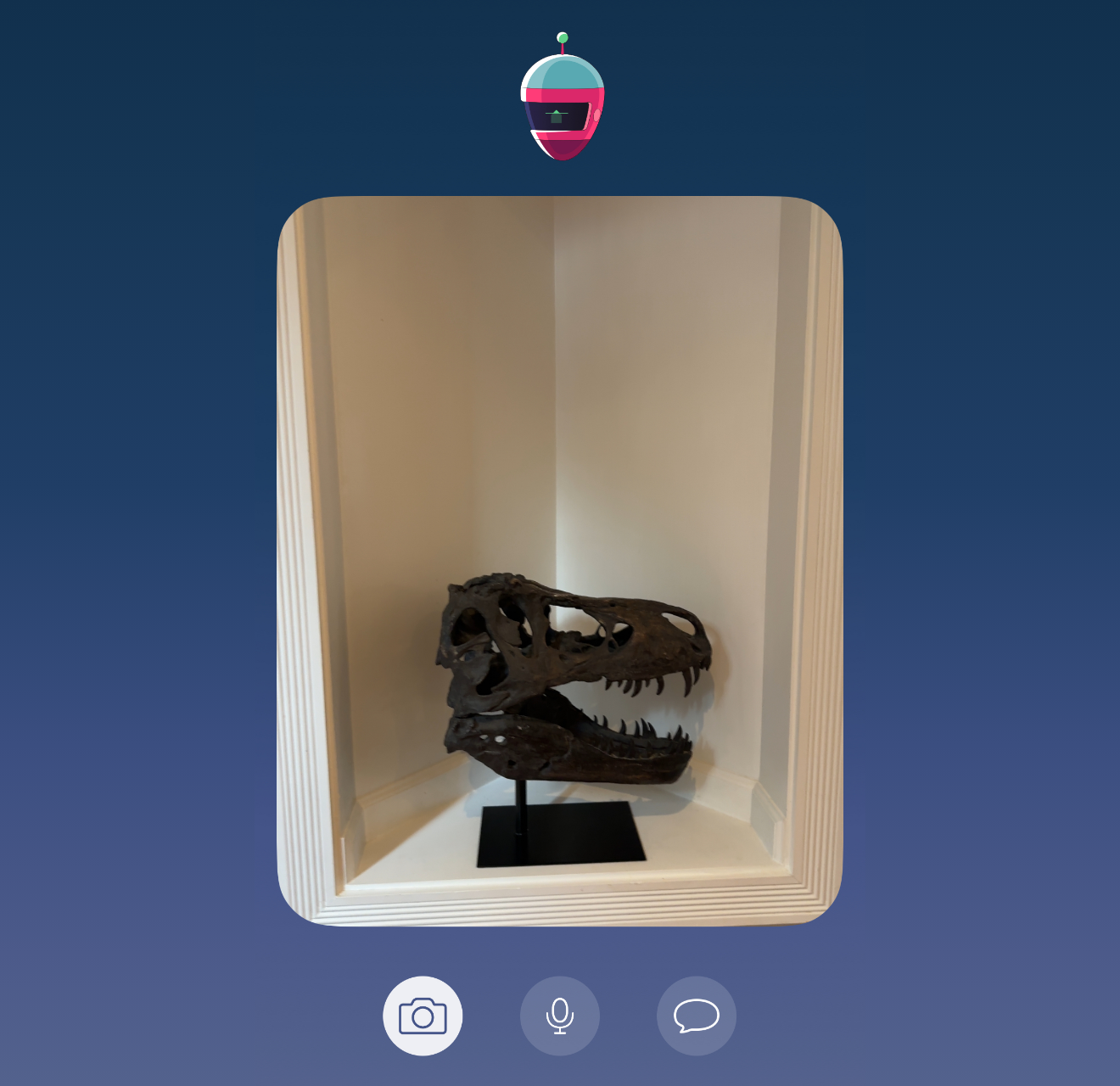
Enhance your tour with Daft AI at your side—real‑time property insights, on‑device vision that recognizes features as you walk, plus instant answers and more.
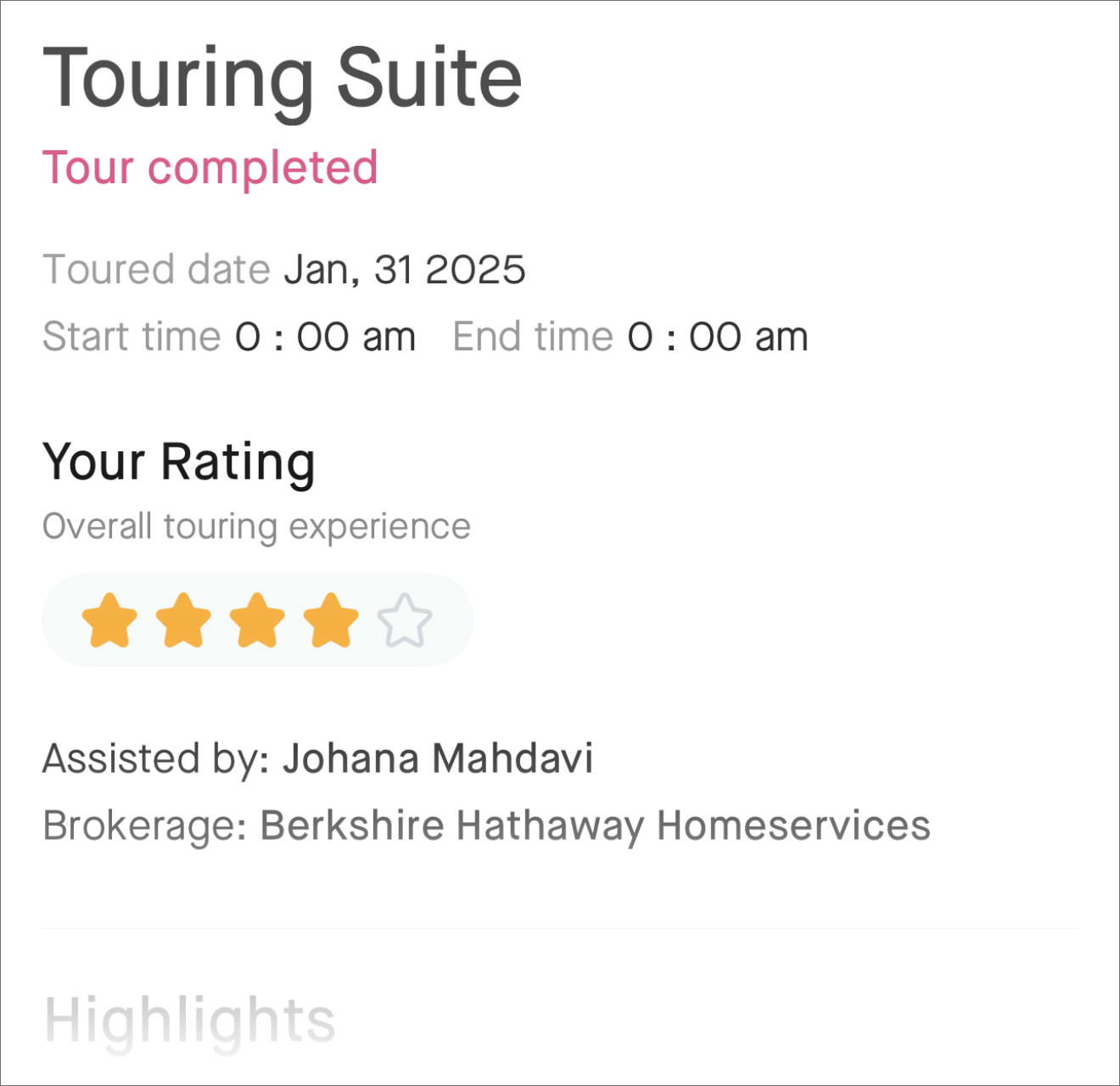
The Touring Suite keeps every note, photo, and video you capture during a property tour—so you can easily revisit, compare, and share your experience in Moea.
Pick one or multiple homes to tour. Add from search, watchlist, or paste an address/MLS ID.
Set preferred windows and travel spacing. We optimize routing and send confirmations.
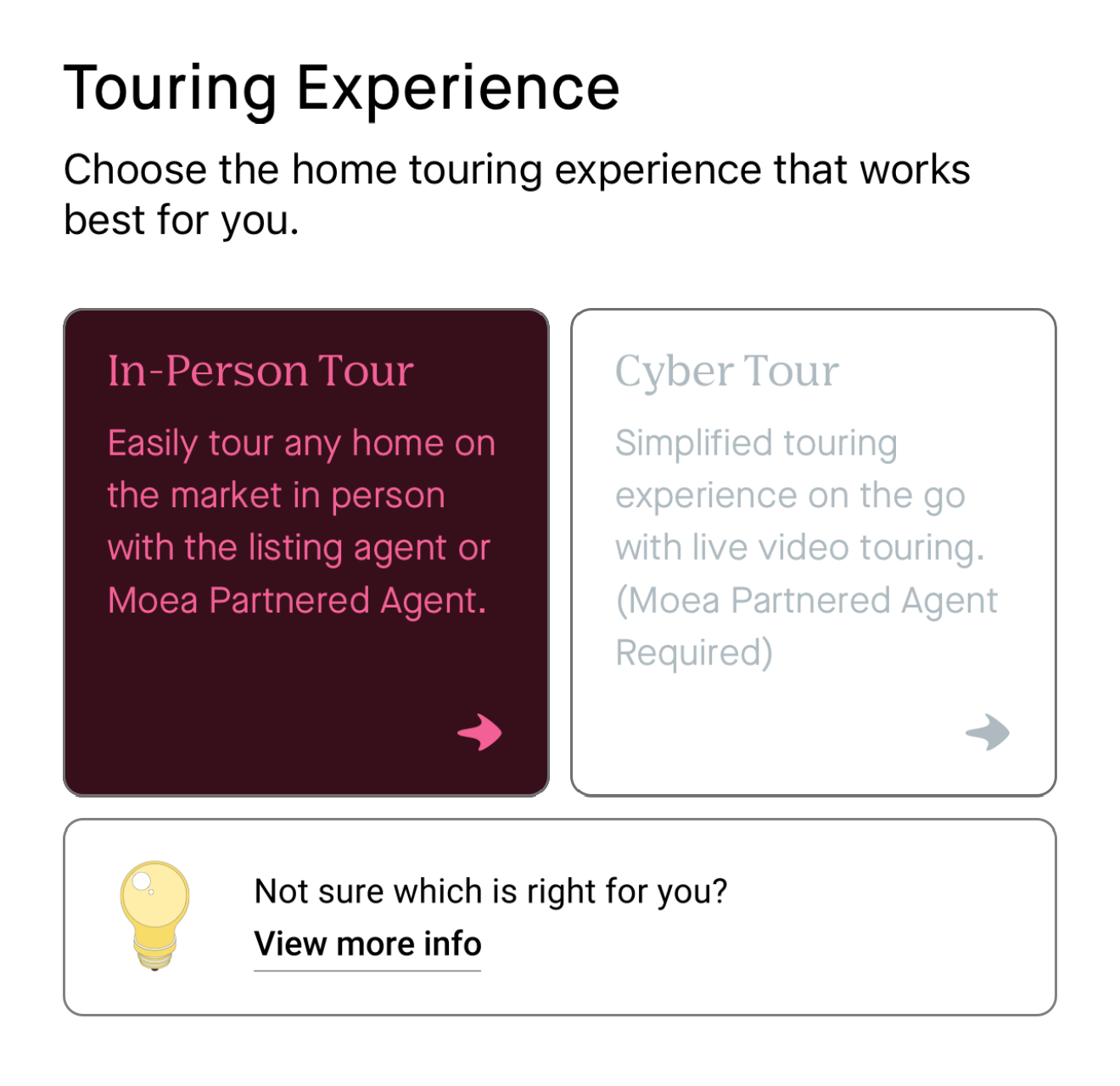
Moea's Partnered Agents or the listing agent. Partnered Agents are licensed real estate professionals Moea works with to assist users (availability varies by location).
Your request is submitted. Once accepted, status updates and reminders appear in the app.
Our customized Daft AI model uses vision and property knowledge to help on site—recognizing features, surfaces, and systems, answering questions, and creating checklists as you move through the home.
Capture crisp shots during tour. Auto-sorted by room with timestamps.
Short clips or continuous walkthroughs. Stabilized playback in your Touring Suite.
Typed or voice-to-text notes stick to rooms and surfaces so context never gets lost.
On‑tour vision assistant that recognizes features, answers questions, and creates checklists.